
Up and running in three steps
We do the set-up with you. Most of it is a conversation about how your garage already runs.
-
1 Tell us how you work
We go through your jobs and roughly how long each takes, your opening hours, your drop-off windows, and anything you don’t want booked. Prices too, if you want the phone line to quote them.
Then we connect each branch’s Google Calendar, if you use one, and set your daily limits.
-
2 Point your calls and website at it
You get an AutoLens line for each branch. Forward your calls to it all day, only when you’re busy, or after hours. Your number doesn’t change.
For your website, paste one line of code where you want the booking form. If you’d like the chat as well, that’s one more.
-
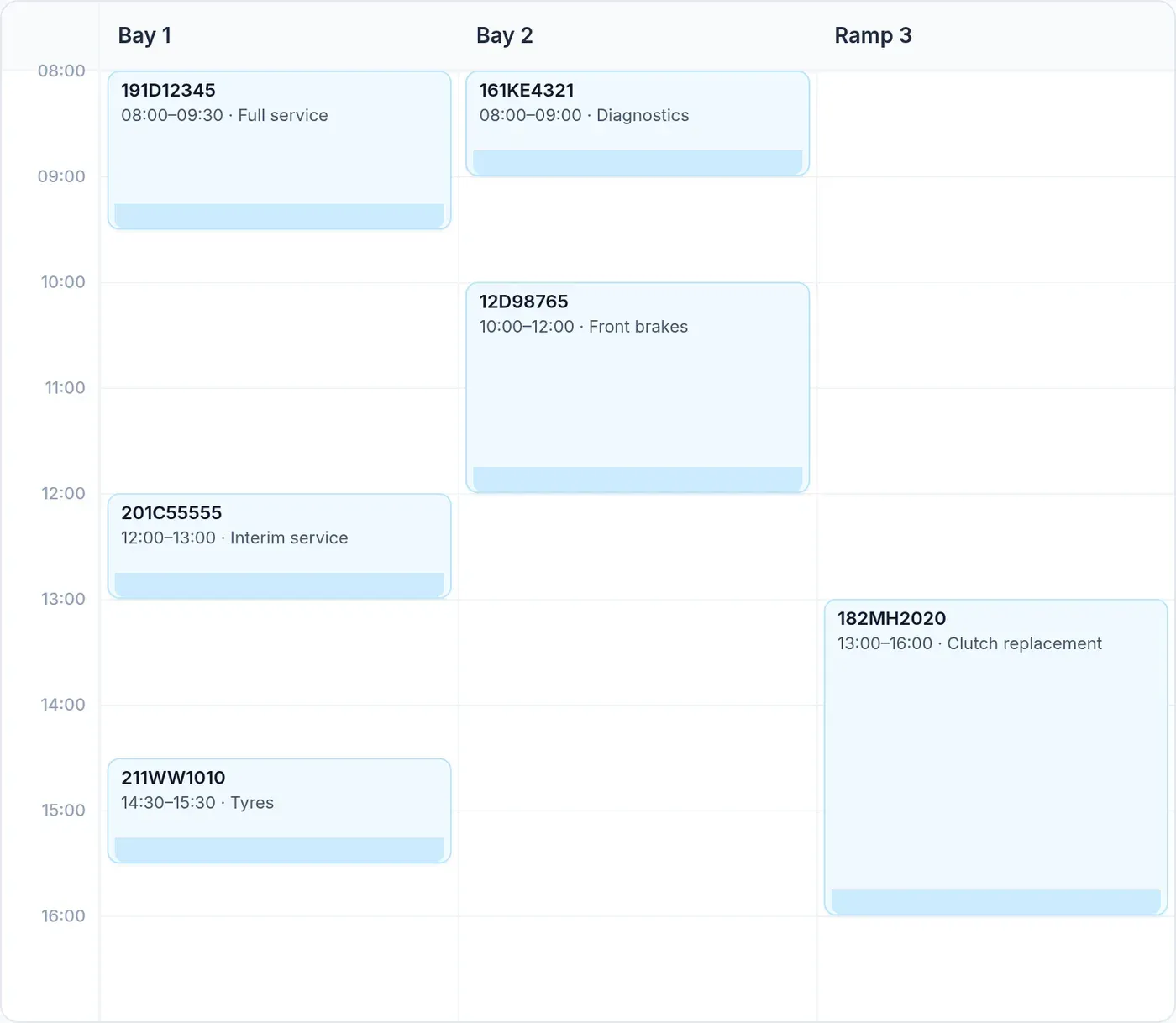
3 Bookings arrive in the diary
Customers get a confirmation text and a reminder the day before. You see every call and booking in AutoLens, and you can change your limits whenever you like.
Before you go live
Ring the line yourself, book a few test jobs, and check they land in the diary the way you want. We adjust anything that’s off before your customers hear it. You can hear a sample call now.
See it take a booking for your garage
A short demo, set up with your own jobs and opening hours. No obligation.