
Know where every booking came from
Calls, online bookings, walk-ins and website visits, by branch and by source. Enough to see what’s working without wading through it.

The calls report
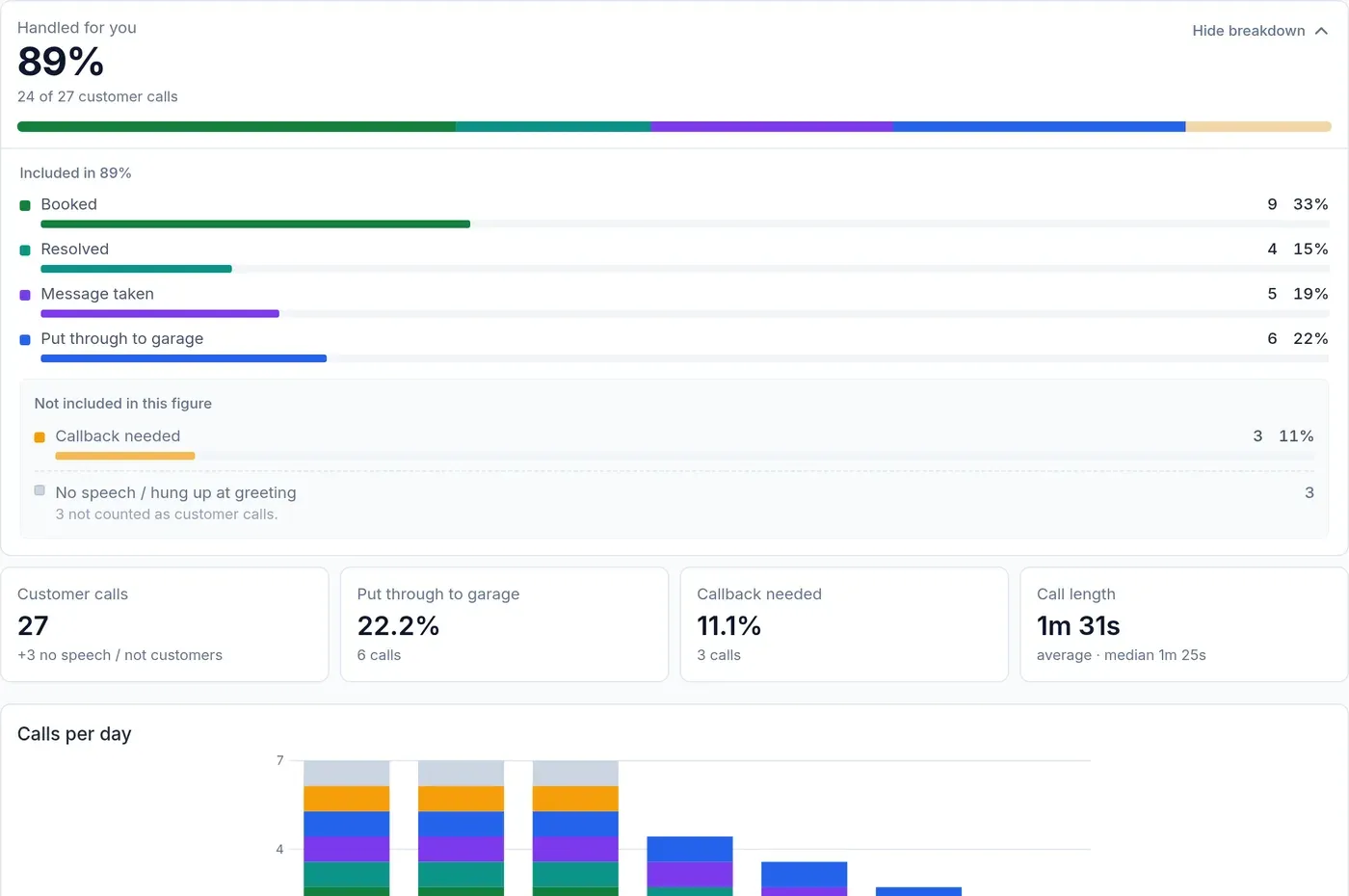
How many customer calls came in, how they were dealt with, which ones need a call back, and when the phone is busiest. Calls with no speech are kept out of the totals.
Lead sources
Turn on lead tracking and AutoLens shows where your calls and online bookings came from: Google search, your Business Profile, Google Ads, Meta, email, referrals or direct. It works by branch, campaign and landing page. It doesn’t store names, numbers, emails or IP addresses.
- PDF and image export
- Download the report to send on or print.
- Google Sheets, nightly
- Figures written to a Google Sheet every night, ready for Looker Studio.
- Calendar check
- See jobs that were typed straight into the calendar and never booked through AutoLens.
Owner reports
Revenue from approved and completed jobs, quotes still waiting on the customer, and how many jobs each person did, with their revenue. With more than one branch, see them side by side.
Revenue here is the value of approved and completed work, not money received. Jobs per person counts jobs done as video health checks.
See it take a booking for your garage
A short demo, set up with your own jobs and opening hours. No obligation.